Showing posts with label programming. Show all posts

June 07, 2009

Using javascript to avoid the mouse and page scrolling

Here's the problem. It is not very easy to scroll a document when you're inside an input element. Arrow keys don't work, and Page Up/Page Down jump in big increments. What if you want to see just a few lines below the current element? Our clients hate to scroll. And they hate having to use the mouse. This just brings the two together.

FScroll is a JQuery plug-in which makes a page scroll to the currently focussed element, keeping it's position centered with respect to the document. This helps keep a bit of "context" around the currently focussed element - since it is centered, you can see a few elements both above and below the currently focussed element.

Here are the sources. And here's a page explaining it's usage in some detail. And oh, it does nested centering too. But it requires that the 'nesting' container have a css styling of position : relative (in the demo page, the div enclosing the table is positioned relative). This was not strictly necessary, but it made the coding a bit easier. If you can't live with the styling restriction, let me know. I'll try to do what I can.

You may report issues here.

May 17, 2009

Tuning LINQ performance with Mr. P and Mr. S

I thought I'd take a second look at the Mr. P and Mr. S problem, which I'd posted more than a couple of years ago. The last time I tried it, I wasn't successful. I had a strategy to solve it, but somehow I just couldn't translate it into code.

I've been programming a lot with C# lately, and decided to use LINQ to solve the puzzle. Although not very concise, compared to the Python and Haskell solutions out there, it does print out the right answer. After you've tried to solve it yourself, you can have a look at my solution here.

There's something special about LINQ queries. All LINQ queries are deferred, which means that they aren't executed until they are accessed. Also, they are re-executed when the execution context changes. Say we have a list of numbers, and a query on it like so :


var numbers = new List<int>();
var query =
from i in numbers
select i;


The query hasn't been executed yet. We add a few numbers to the list, and compare the counts of the list and the query.


numbers.Add(0);
numbers.Add(1);
numbers.Add(2);

// 3 elements in list, 3 in the query
Assert.AreEqual(numbers.Count, localDeferredQuery.Count());


The test passes. LINQ queries are "live", very much like functions. Usually, this is a good thing, as no operation is performed until it is actually needed. However, there are exceptions. For example, I used these three ranges -


public static IEnumerable OddRange(int stop) // returns odd numbers upto "stop"
{
for (int i = 1; i < stop; i+=2) yield return i;
}

public static IEnumerable EvenRange(int stop) // returns even numbers upto "stop"
{
for (int i = 2; i < stop; i+=2) yield return i;
}

public static IEnumerable Range(int stop) // returns all numbers upto "stop"
{
for (int i = 0; i < stop; ++i) yield return i;
}


To define the Deferred() and Immediate() functions below:


public void Deferred()
{
var all = Range(limit);
var even = from e in EvenRange(limit) where all.Contains(e) select e;
var odd = from o in OddRange(limit) where !even.Contains(o) select o;

var query = from q in odd select q;

foreach(var i in query) { var j = i+1; }
}

public void Immediate()
{
var all = Range(limit);
var even = (from e in EvenRange(limit) where all.Contains(e) select e) .ToArray();
var odd = (from o in OddRange(limit) where !even.Contains(o) select o) .ToArray();

var query = (from q in odd select q).ToArray();

foreach(var i in query) { var j = i+1; }
}


all, even and odd are three sub queries, each using the previous one. The Immediate() function only differs from Differed() due it's forced execution of the subqueries with ToArray(). However, Immediate() performs much better than Deferred(). I knew LINQ operators are actually euphemism for functions, and that iterator blocks are actually exploded by the compiler into a lot of code. But Deferred() was waaaayy slower than Immediate(), and the time taken would increase exponentially with the value of limit. This couldn't be just some extra code.

I posted a query on stackoverflow, and it did not disappoint. It is quite obvious in hindsight. This statement -

var odd = (from o in OddRange(limit) where !even.Contains(o) select o).ToArray();


in deferred mode, turns out to be pretty expensive indeed. It contains a call to even.Contains(o). While in the immediate mode this is an O(n) operation, in deferred mode, the sequence of calls looks like this -


odd --> even -+-> EvenRange()
|
+-> all --> Range()


A simple O(n) operation is now O(n3). We can do better than O(n), however, by using a Hashset.

var evenSet = new HashSet(even);
var odd = from o in OddRange(limit)
where !evenSet.Contains(o) select o; // Contains() is now O(1)


It doesn't get much better than this.

March 27, 2009

On reflecting extension methods in C#

Extension methods are a great way of adding functionality to existing classes. It almost makes C# similar to ruby/javascript, where none of the classes are "closed" - functionality can be added to them at any point of time.

For example, say we want the method ToTitleCase to be available to all String objects, and we define an extension method.
namespace MyExtensions
{
    public static class StringExtensions
    {
        public static String ToTitleCase(this String word)
        {
            return word[0].ToString().ToUpper() + word.Substring(1).ToLower();
        }
    }
}
Now, wherever we want to use the method ToTitleCase, we include the namespace MyExtensions, and the following becomes valid C# code :
        [TestMethod]
        public void TestCall()
        {
            Assert.AreEqual("Company", "COMPANY".ToTitleCase());
            Assert.AreEqual("Company", "company".ToTitleCase());
            Assert.AreEqual("Company", "Company".ToTitleCase());
        }
However, C# extension methods are simply syntactic sugar. Any extension method calls in source, such as the ones above, are transformed by the compiler into this :
        [TestMethod]
        public void TestCallClassic()
        {
            Assert.AreEqual("Company", StringExtensions.ToTitleCase("COMPANY"));
            Assert.AreEqual("Company", StringExtensions.ToTitleCase("company"));
            Assert.AreEqual("Company", StringExtensions.ToTitleCase("Company"));
        } 
The extension methods for any given type available to the compiler, but they are compiled as regular static function calls. Feels like cheating, I tell you.

Now what happens when we try to invoke an extension method via reflection?
        [TestMethod]
        public void TestMethodInfoInTargetClass()
        {
            // We won't find the method in String ...
            Assert.IsNull(typeof(String).GetMethod("ToTitleCase"));
        }

        [TestMethod]
        public void TestMethodInfoInDefinigClass()
        {
            // But we will find it in StringExtensions.
            Assert.IsNotNull(typeof(StringExtensions).GetMethod("ToTitleCase"));
        } 
This should be obvious - we aren't going to find them on the target type - we'll find them in the class where they are defined.

So, how does this affect us?

Say you're browsing through some source code, and you see a call like this - myObject.someMethod(). If you need to call the method someMethod() dynamically, you can't use the type of myObject to reflect it. Instead, you need to know if someMethod() is an extension method, and if it is, you need to reflect it off the class in which it is defined.

That solves the problem when we know which extension method we need to call. If we don't, and we want to know all the extension methods available for a given type, we can use the attribute ExtensionAttribute. This attribute indicates that a method is an extension method, or that a class or assembly contains extension methods. Given this, we can implement a function that returns all extension methods defined for a given type.
        IEnumerable <MethodInfo> GetAllExtensionMethods(Type targetType)
        {
            return
                from assembly in AppDomain.CurrentDomain.GetAssemblies()
                where assembly.IsDefined(typeof(ExtensionAttribute), false)
                    from type in assembly.GetTypes()
                    where type.IsDefined(typeof(ExtensionAttribute), false)
                    where type.IsSealed && !type.IsGenericType && !type.IsNested
                        from method in type.GetMethods(BindingFlags.Static | BindingFlags.Public | BindingFlags.NonPublic)
                        // this filters extension methods
                        where method.IsDefined(typeof(ExtensionAttribute), false)
                        where
                            // is it defined on me?
                            targetType == method.GetParameters()[0].ParameterType ||

                            // or on any of my interfaces?
                            targetType.GetInterfaces().Contains(method.GetParameters()[0].ParameterType)

                            // or on any of my base types?
                            targetType.IsSubclassOf(method.GetParameters()[0].ParameterType)
                        select method;
        }
The above method was inspired by Jon Skeet's answer on Stack Overflow. It simply improves on it by detecting for interfaces and base types, and looking in all assemblies in the current AppDomain.

Update: Fixed some code up there.

March 04, 2009

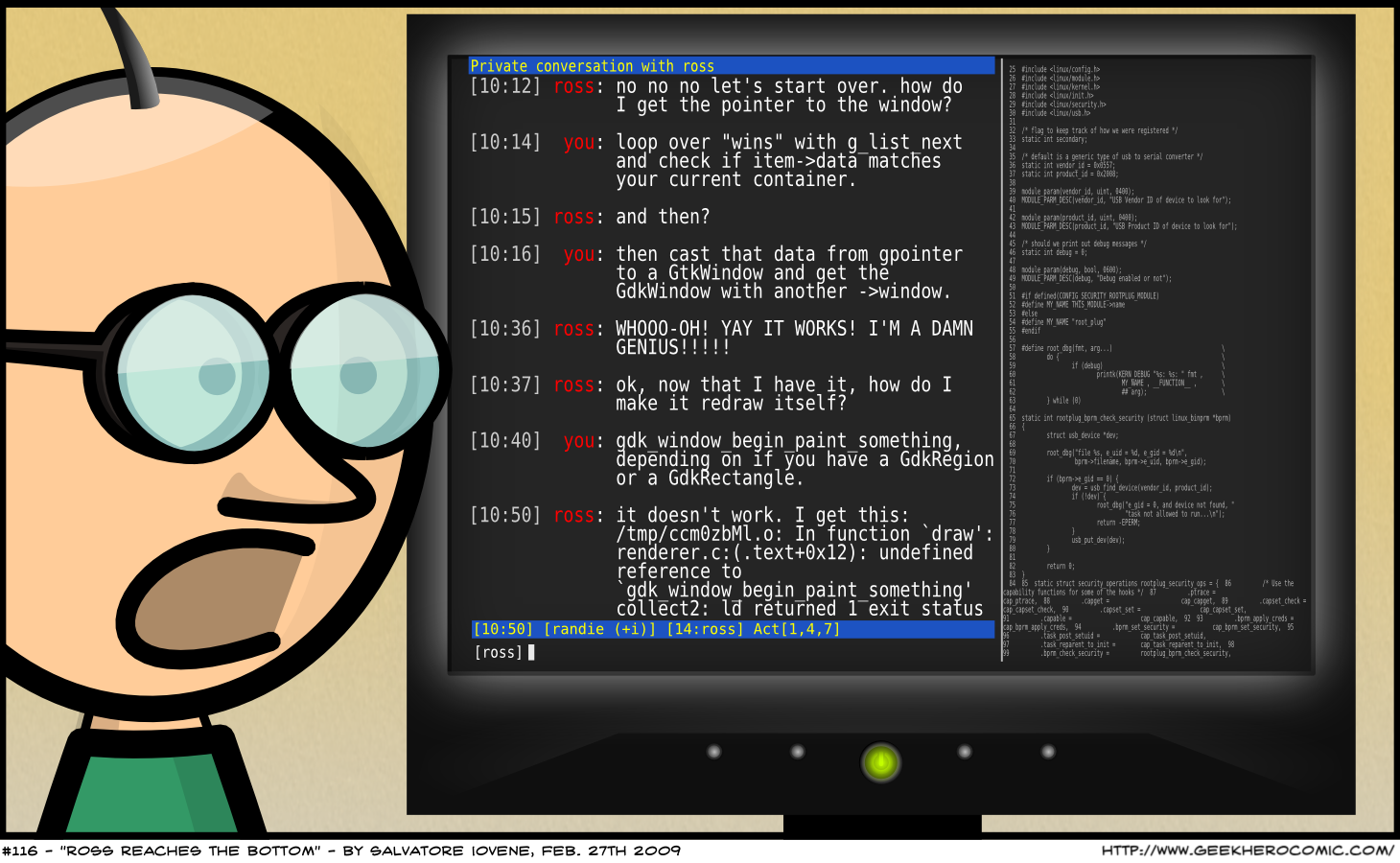
Make your editor help you


While the above is funny, using a good editor, and using it effectively, usually prevents such situations. A good auto-completing editor isn't necessarily to help one type faster - it is most helpful for the context sensitive documentation that it provides. It brings documentation closer to the act of writing code, and saves the context switch introduced due to Alt+Tab, F1 or any other documentation invoking key-binding.

Like so -
If you haven't found out how to make your editor do this, you probably should.